Skip to Main Content

Bruin Learn access is restored. UCLA Digital and Technology Solutions and Bruin Learn administrators are continuing to monitor for delays or unexpected issues with the restoration of UCLA’s Canvas environment. If you continue to experience any issues with Bruin Learn, please reach out to BruinLearn-Support@it.ucla.edu

Authenticating to UCLA Single Sign-On with MFA

Here are the steps to authenticate to UCLA Single Sign-on with Multi-factor Authentication (MFA):

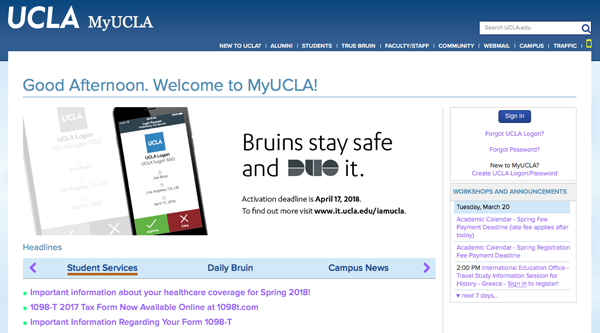
  • On your browser, navigate to a UCLA web application (i.e, my.ucla.edu) and click on Sign In
MyUCLA screen


  • Enter your credentials and click Sign In:
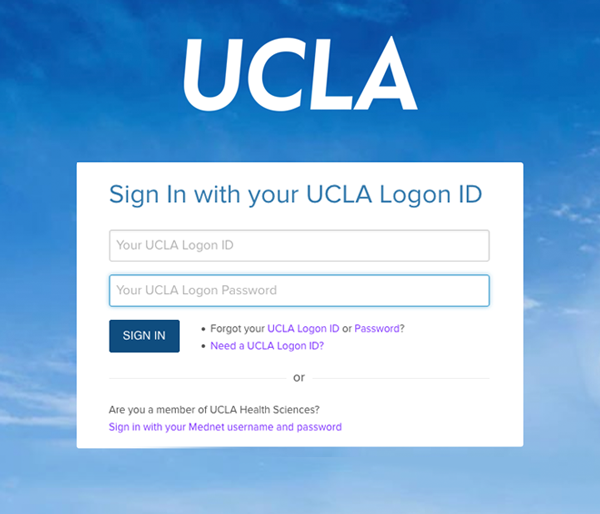
ucla sso screen


  • Choose an authentication method (i.e. DUO Push):
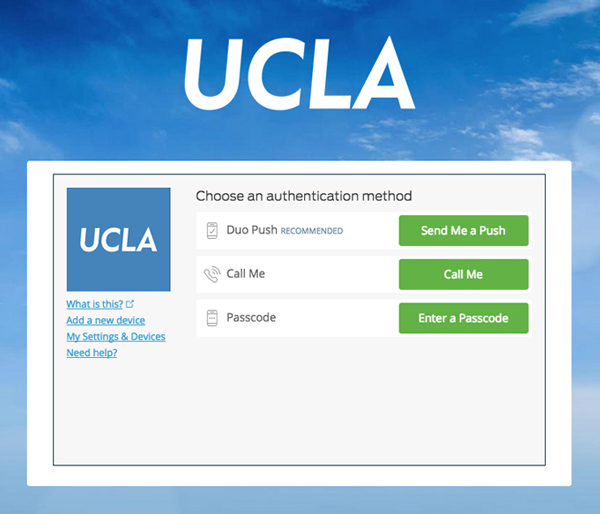
 

SSO duo push screen


  • On your DUO app, Approve the Push notification:
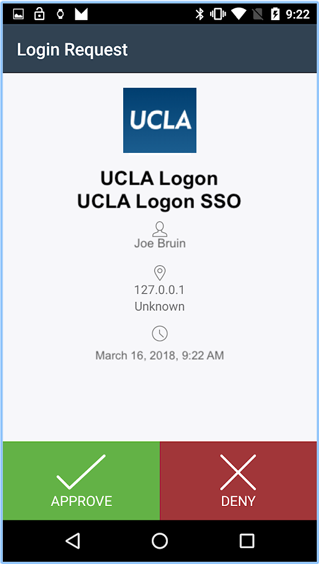
dup approve screen

 
Note: If you have multiple devices enrolled in MFA, you will be given the option to select the desired device before proceeding with authentication:
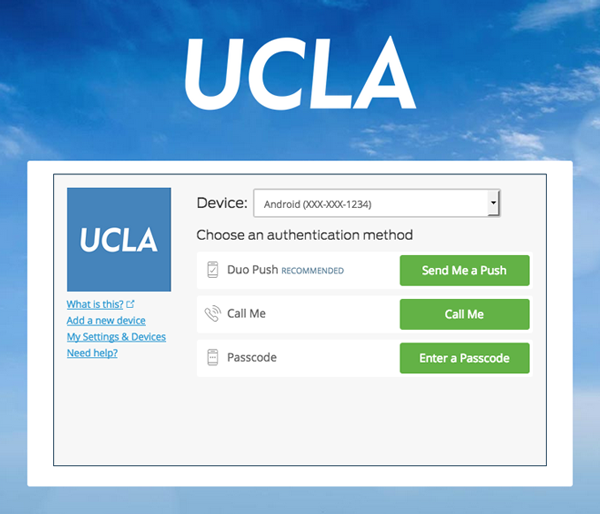
ucla sso duo push screen